# User Types/New User Type
#### User Types
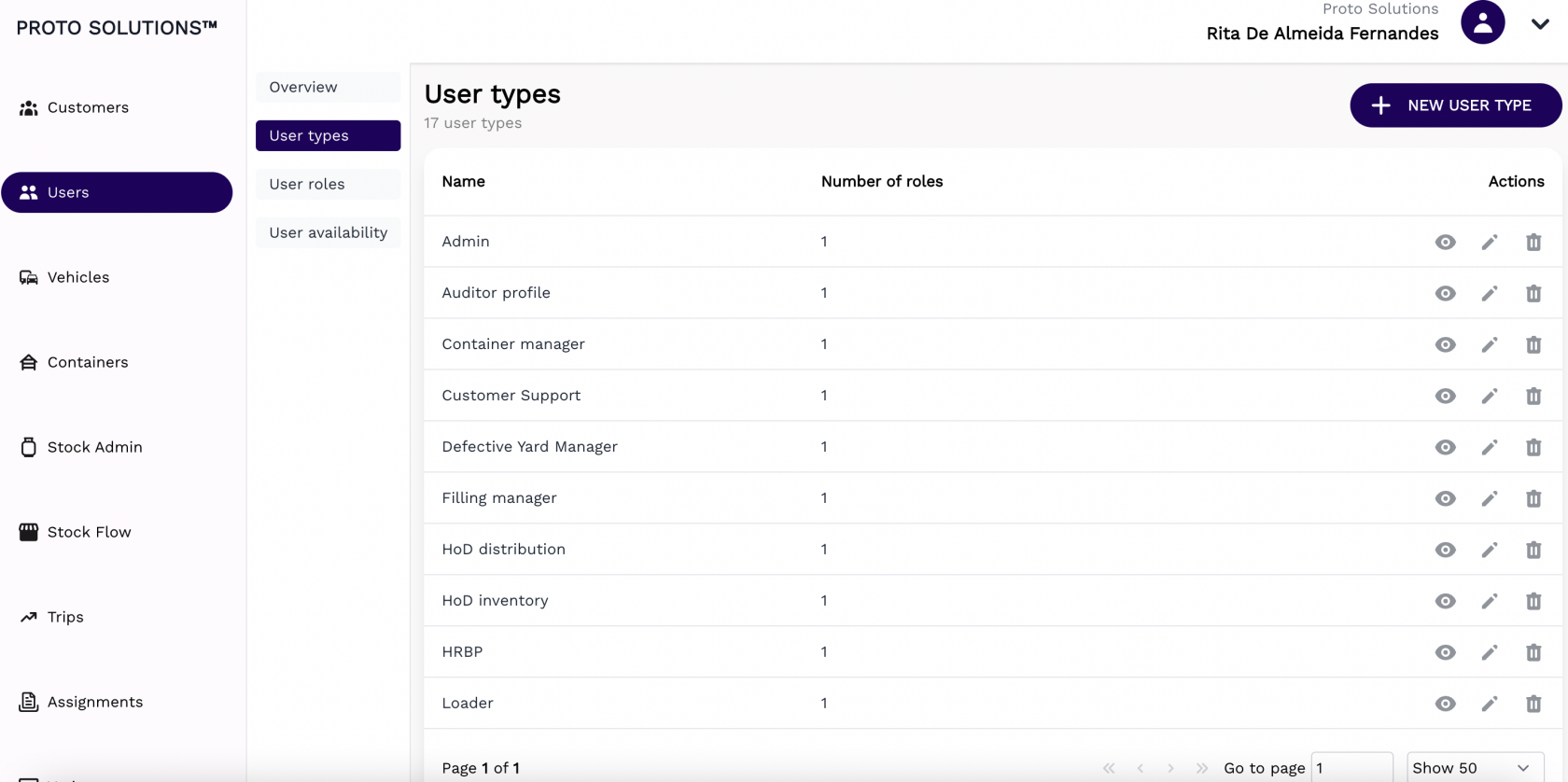
In order to see all user types available in the system, you can click on the **User types** tab.
[](https://wiki.circl.services/uploads/images/gallery/2022-09/g9simage.png)
You can click on the **Actions** buttons to display, update and delete a user type.
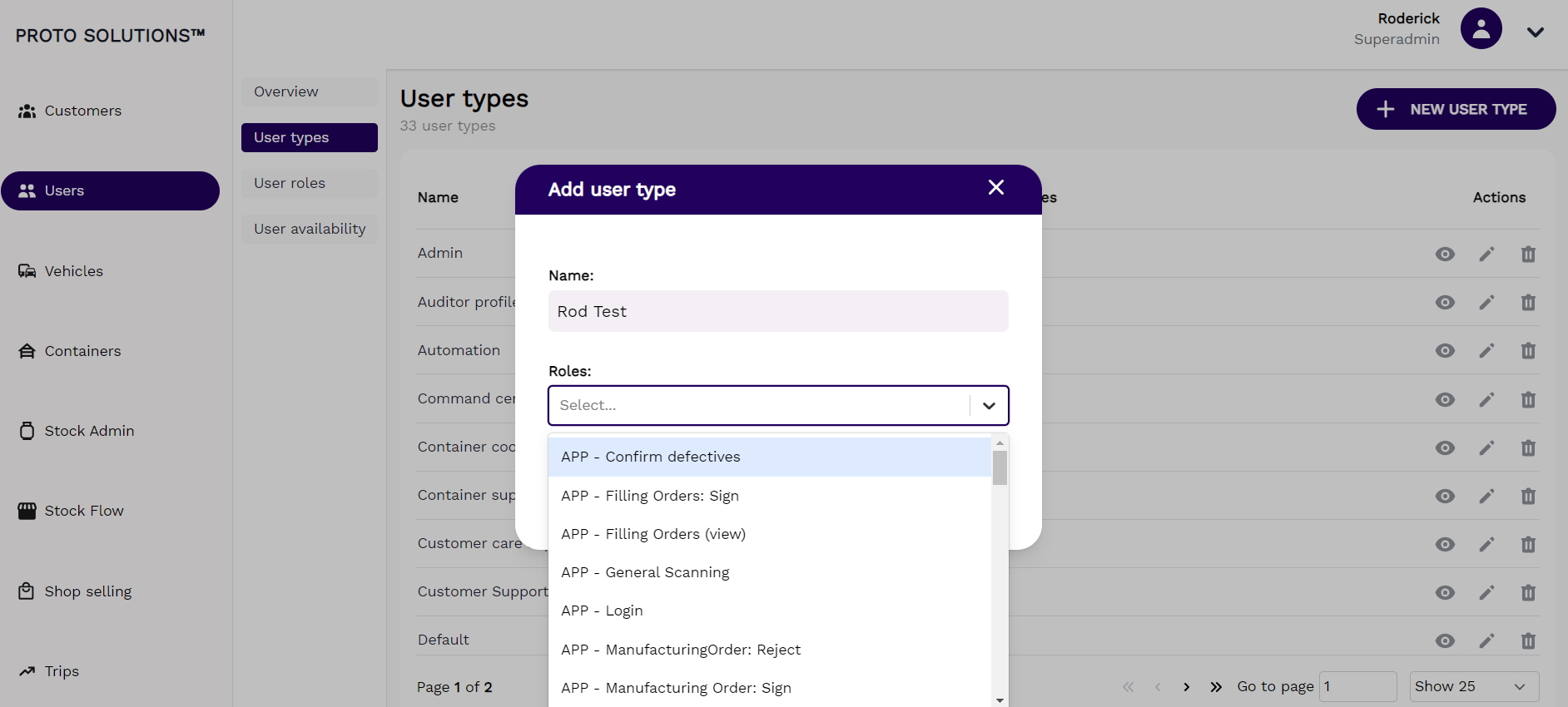
Click on the **+ New User Type** to create a new user type. All **users types** must have a **name** & **Roles** (1 or more) assigned.
[](https://wiki.circl.services/uploads/images/gallery/2024-02/xpXimage.png)
#####
##### Display
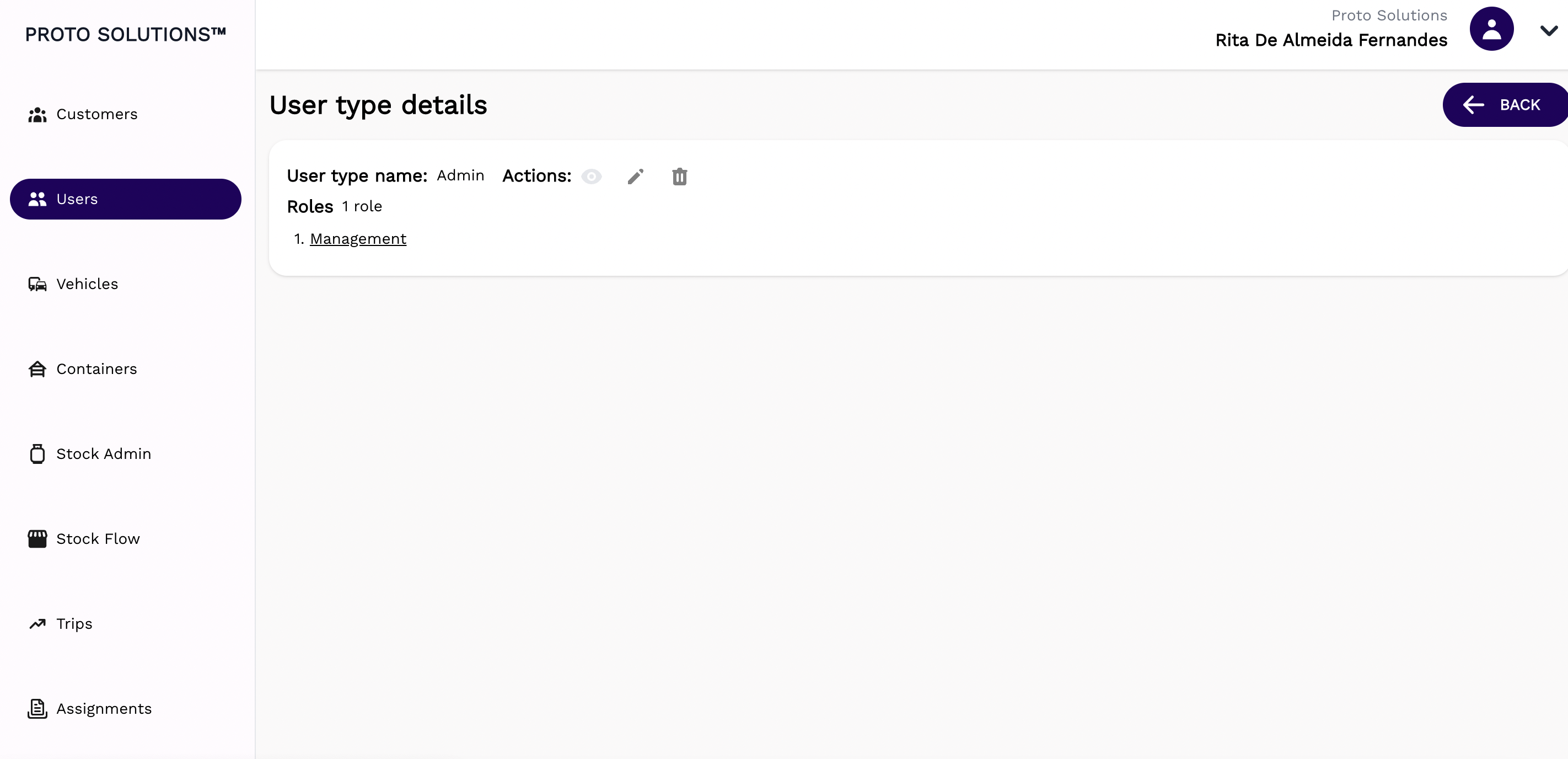
After clicking on the display action button you can see the information related to that user type and also a list of Roles. Each Role has a subset of permissions assigned to it. You can click on the individual roles to see & change the permissions assigned to that particular role in this example the **Role: Management** is assigned to the **user type: Admin**
[](https://wiki.circl.services/uploads/images/gallery/2022-09/Q3vimage.png)
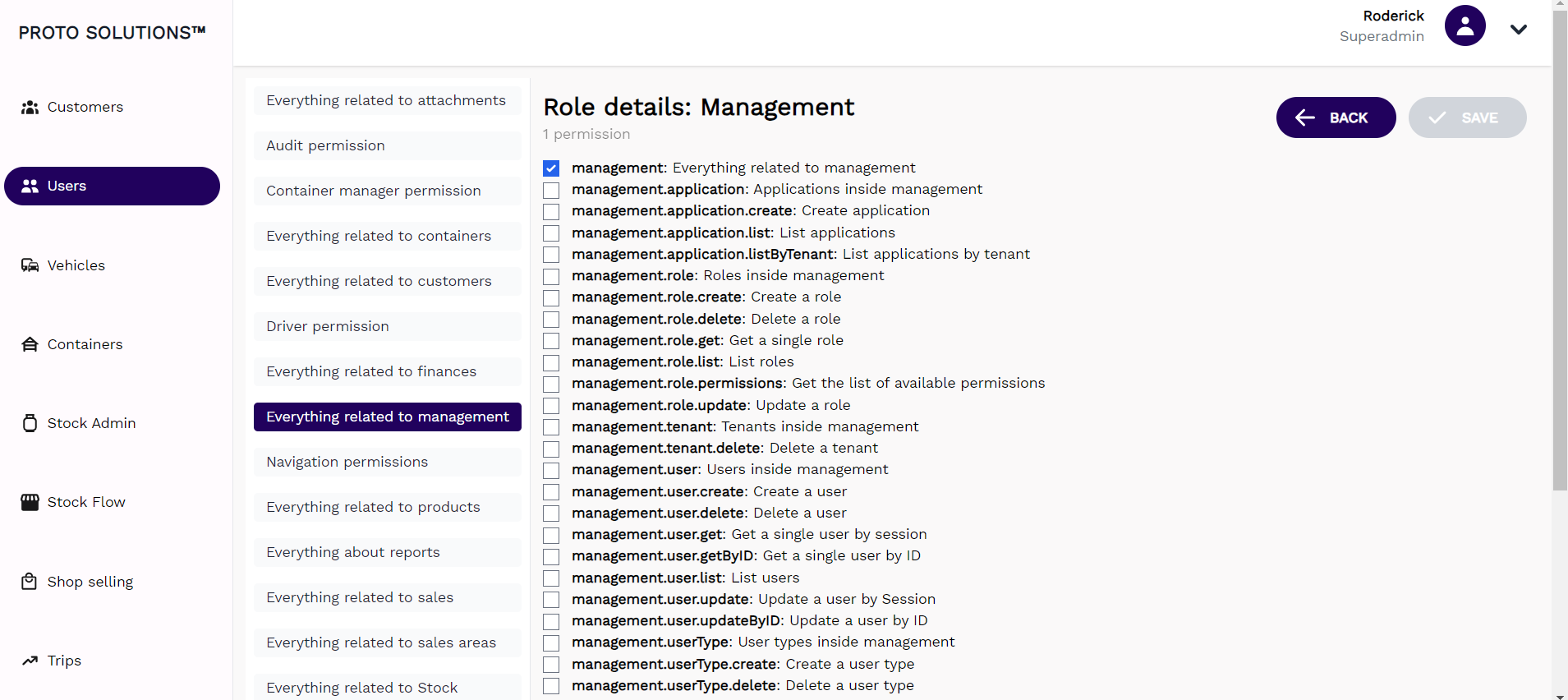
When we click on **Role: Management** & select **Everything related to Management** in the permissions list, we see one parent permission enabled **management**: Everything related to management
[](https://wiki.circl.services/uploads/images/gallery/2024-02/Ixsimage.png)
#####
##### Update
[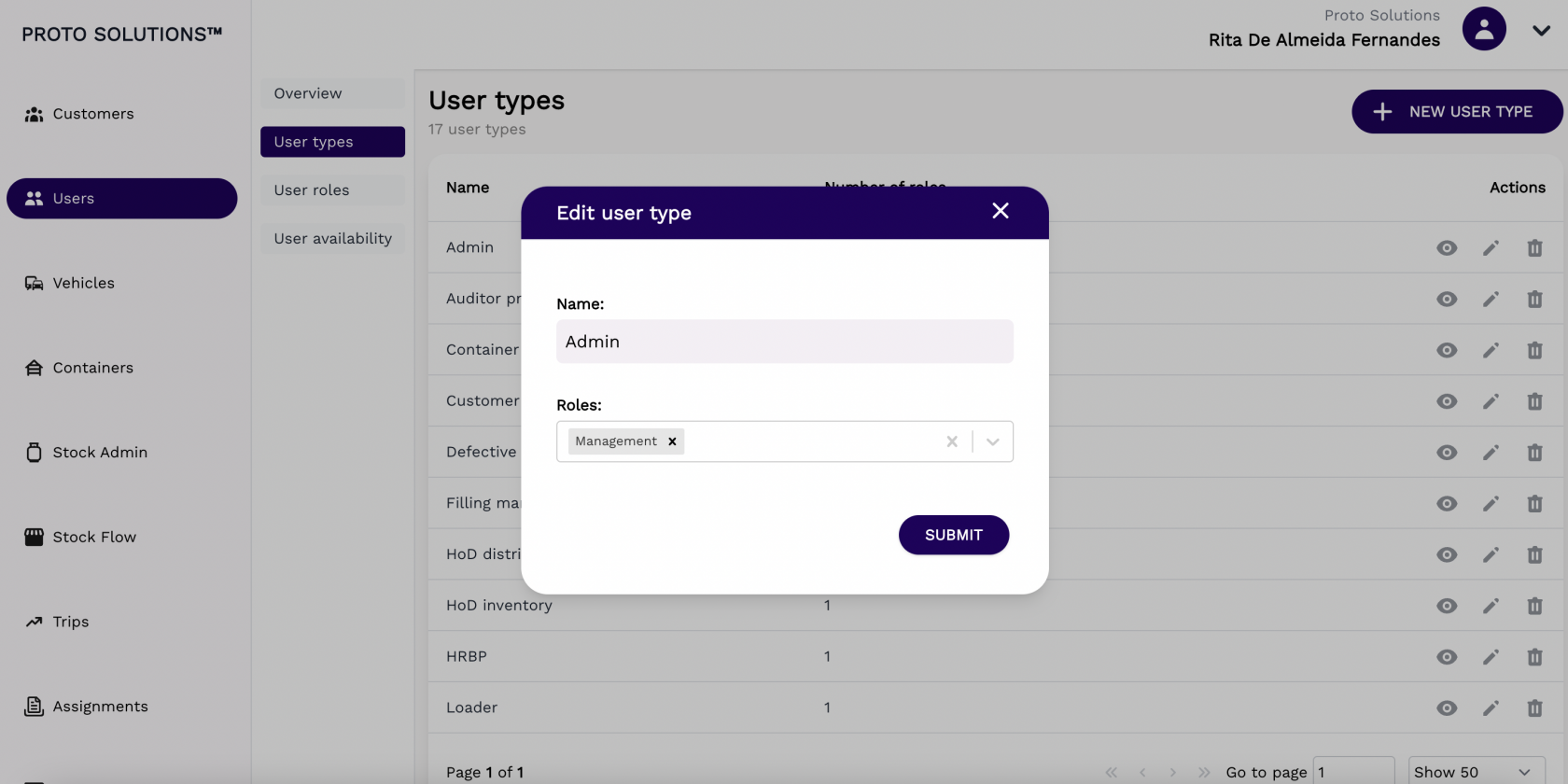](https://wiki.circl.services/uploads/images/gallery/2022-09/Qslimage.png)
#####
##### Delete
[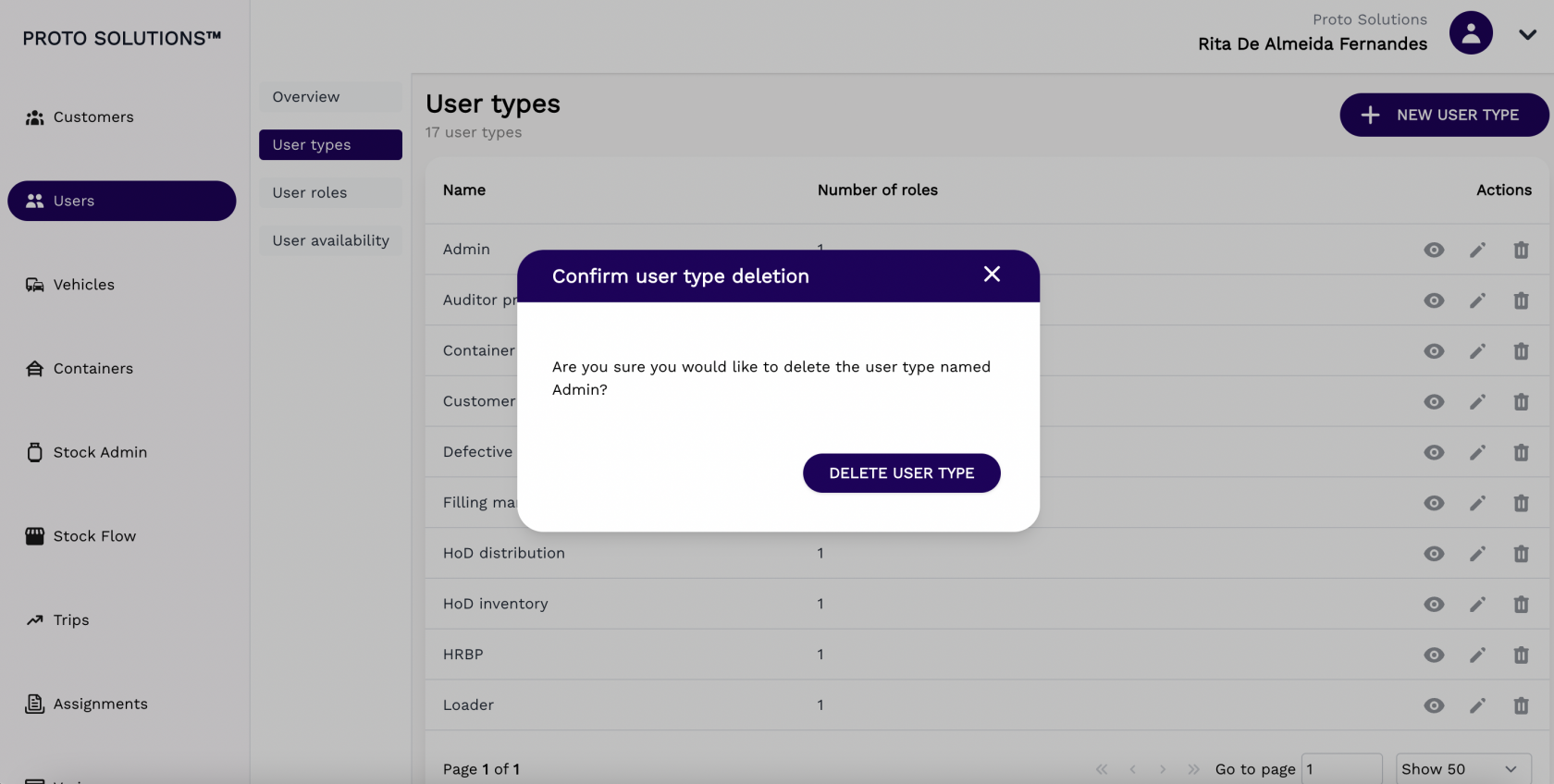](https://wiki.circl.services/uploads/images/gallery/2022-09/UKHimage.png)
####
#### New user type
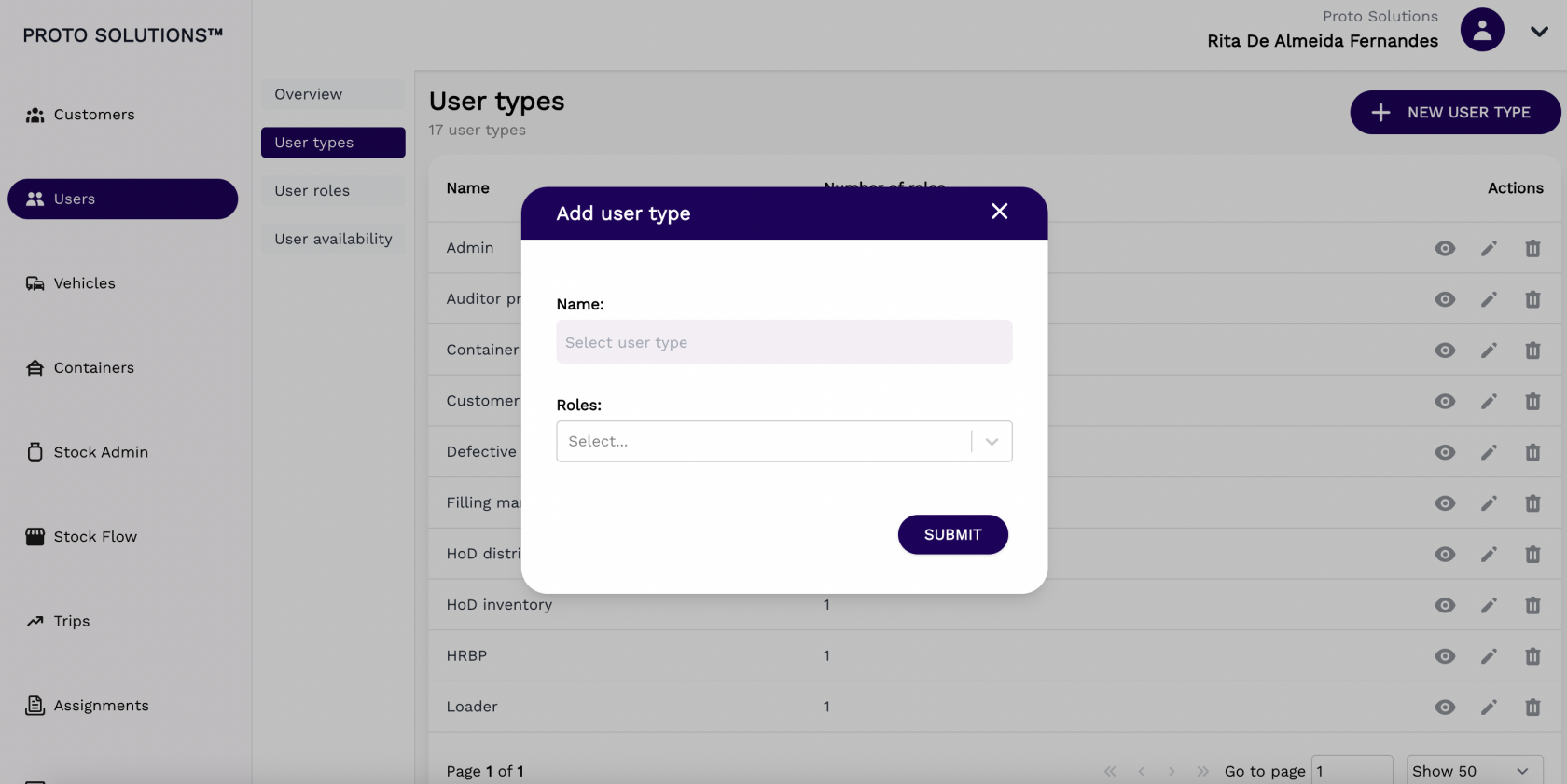
To create and register a new user type in the system you can click on the **New User Type** button. A new page will open with the new user type required information in order to complete a successful registration. The mandatory fields for the user type creation are the Name and the Role (which determines which permissions that user can have in the system).
After filling out all the mandatory fields you can click on the button **Submit** in order to finish the user type creation.
[](https://wiki.circl.services/uploads/images/gallery/2022-09/a5Qimage.png)
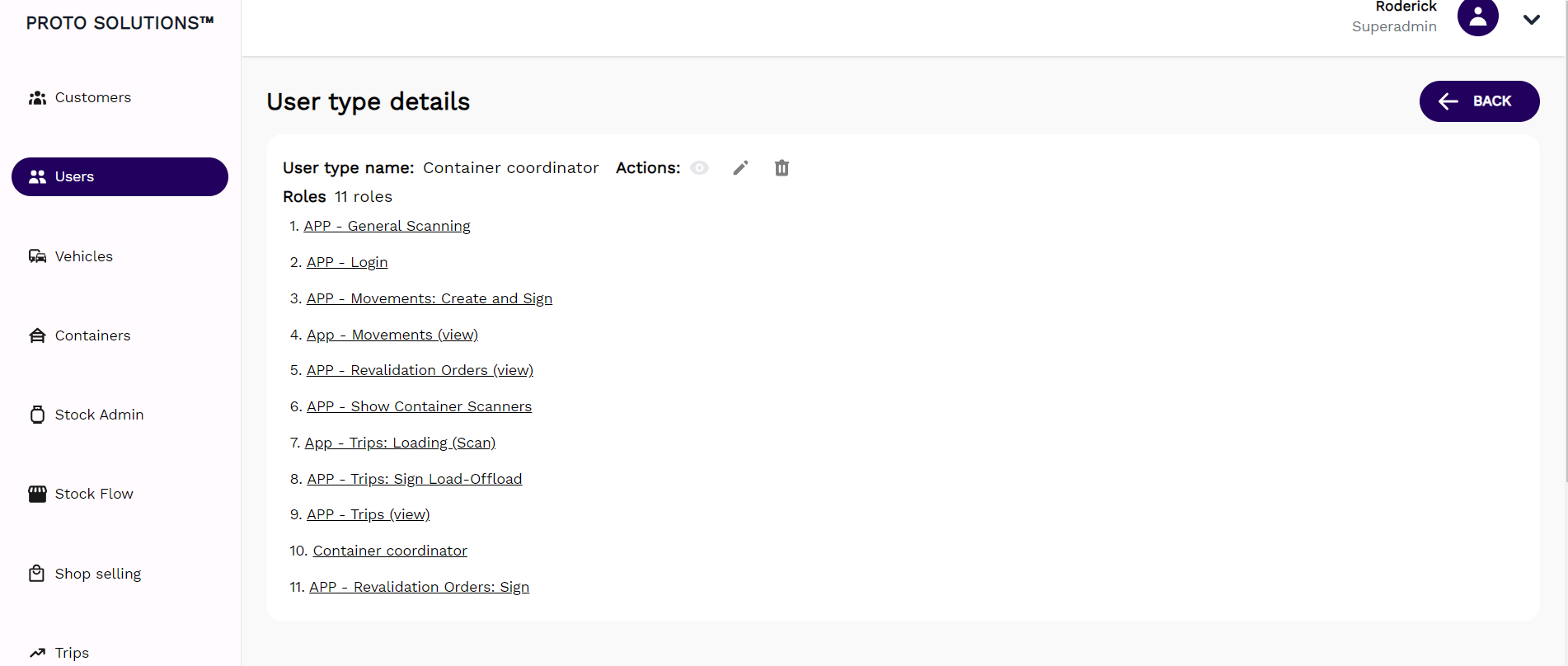
Each user type can contain a number of roles & every set of roles has a number of permissions assigned. Therefore a single user type, for example Container Coordinator has 11 different roles as per screen shot below. Each role has a number of permissions related to it.
[](https://wiki.circl.services/uploads/images/gallery/2024-02/LLXimage.png)